Detail
This guideline offers direction for creating organized layouts and clear visuals that ensure easy comprehension, focusing on presenting information at the same level of hierarchy.
Composition
The detail layout is ideal for composing the following elements
Essential components
- Base layout (Header): Clearly and concisely identifies the page subject, providing immediate context.
- Primary Content Area: :
- Present core information in various formats (text, tables, charts, images).
- Group related information using tabs or accordions to minimize visual clutter.
- Consider using a card layout for complex details to create visual separation.
- Actions/Controls: Place primary actions prominently. For secondary actions, use Action menu or contextual menus to save space (e.g., "Edit," "Share," "Download," "Filter").
Optional components
- Navigation: Breadcrumbs, secondary navigation, or a "Back" button. Ensure navigation elements don't compete with the main content.
- Related Information: Supplemental data, links to resources, or contextual information. Use Side panel, expandable sections, or a "Related" Tabs to keep this content accessible but not overwhelming.
- Metadata: Information about the data itself (source, last updated, user).
Layout type
Choose the optimal layout based on content type, complexity, and user goals: Link to Figma Template component ↗
| When to use | Example |
|---|---|
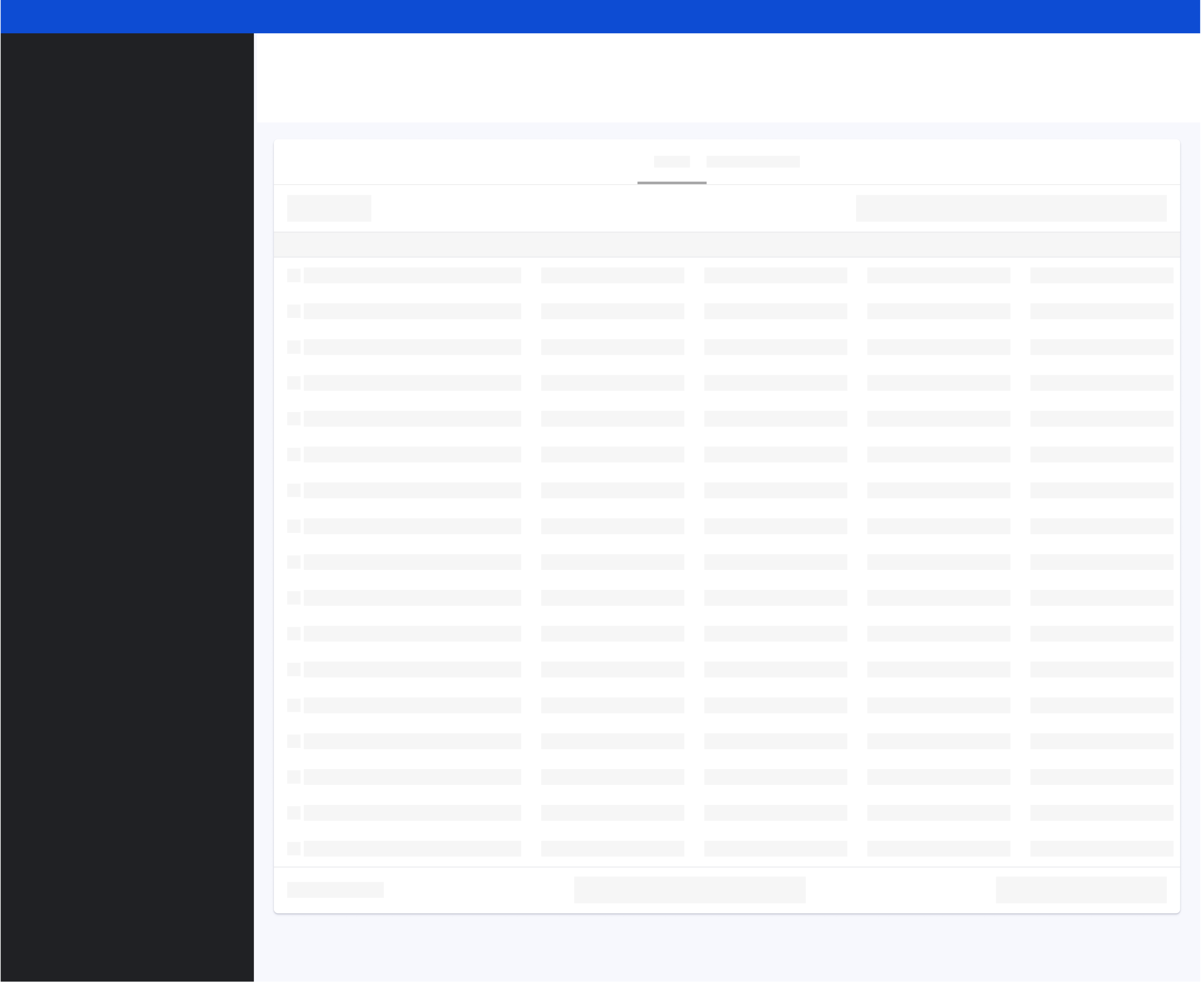
Tabular data detailUse tabular layouts for structured data with clear relationships between points. This is ideal for data like Accessibility Issues. Design considerations include
|  |
Summary detailThe summary detail layout is ideal for effectively summarizing key metrics, progress indicators, and textual details for one specific item. When designing these layouts:
This is effective for data like (e.g. Accessibility Issue descriptions or Analytics most popular pages ). | 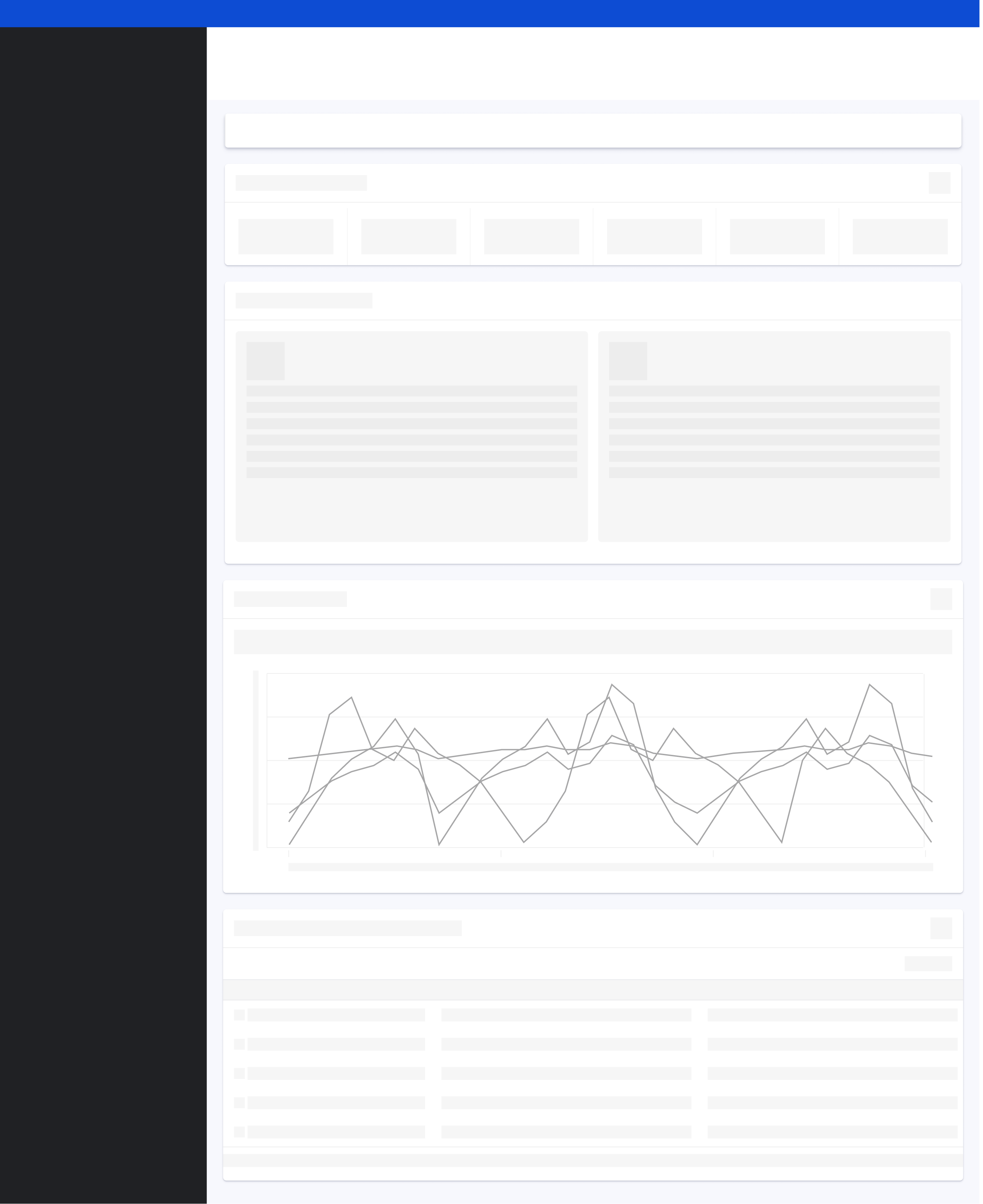 |
Complex detailThe complex detail layout is ideal for scenarios requiring detailed exploration through combined visualizations, filtering, and text. (e.g., Ads campaign details). When designing these layouts:
Ensure you provide clear filtering controls to manipulate the data, select suitable chart types for the information being presented, and offer explanations for any complex visualizations to aid user understanding. | 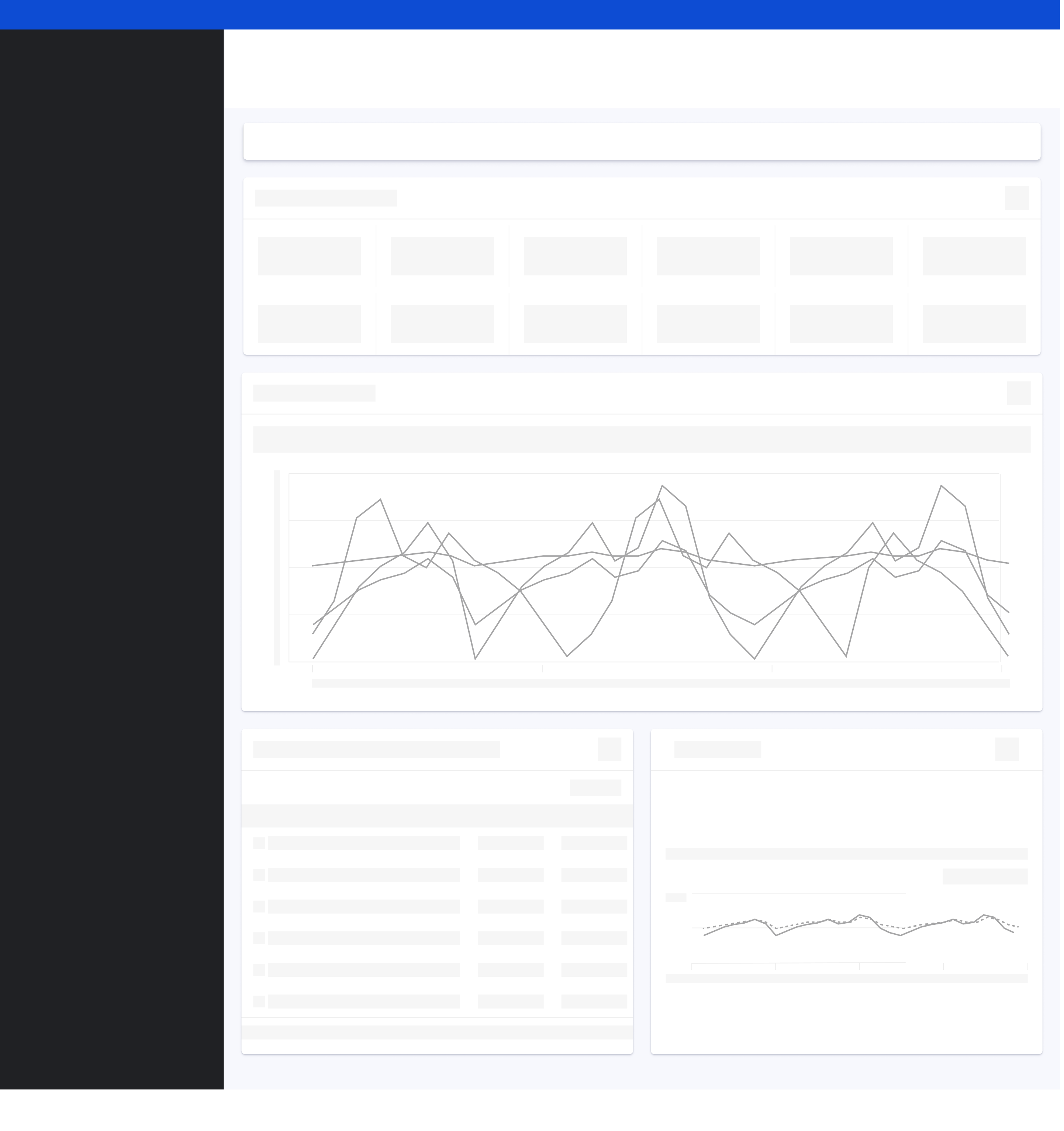 |